
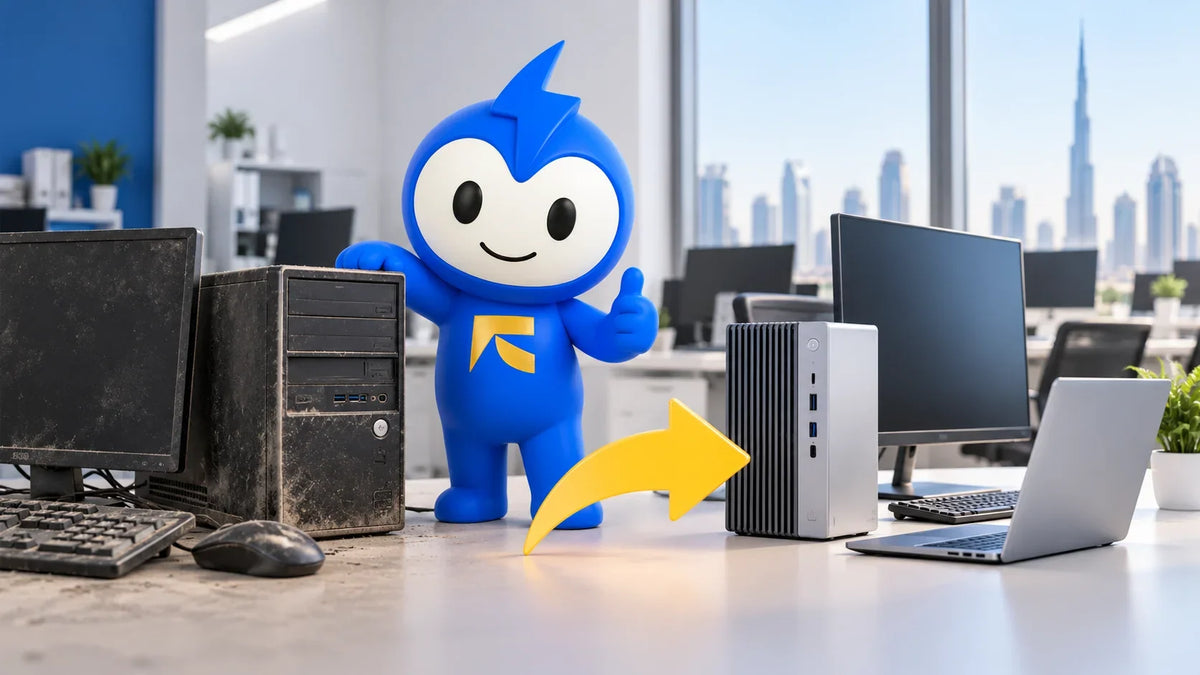
Every office in Ajman has one. It's the desktop in the corner that needs a coffee break every time someone opens a spreadsheet. Nobody wants to replace it, because technically it still works.
But "still works" and "still worth keeping" are two different conversations. In the UAE, summer pushes past 50°C and Windows 10 now runs on paid life support. That gap closes faster than most business owners expect.
This guide covers what the research says about office PC lifespan, how often office computers should be replaced, and how to tell whether a machine needs a repair, an upgrade, or a send-off. You get numbers, sources, and what our customers' devices have taught us.
How Long Does an Office PC Last?
The short answer: longer than your phone, shorter than your office lease.
Acer's business PC guide puts the average desktop at five to eight years, depending on component quality, while laptops usually manage three to five. That's a wide range, and where your machine lands depends on how it's built and how it's treated.
Desktops: The Long-Distance Runners
Desktops live a quiet life. They sit still, stay plugged in, and have room to breathe. When a part fails, you can usually swap that one part. That's why desktops sit at the top of the lifespan range.
Laptops: Shorter Life, Harder Job
Laptops get carried, charged every day, and occasionally dropped between meetings. Everything is packed into a thin shell with tight cooling, so heat and wear add up faster. A three-to-five-year window is realistic for most work laptops.
Why Business-Class Machines Outlast Consumer Ones
Not all PCs age equally. One IT lead told EdTech Magazine's lifecycle report that business-class desktops generally last longer with fewer problems. The same piece notes that many manufacturers offer warranties of up to five years.
That's why lines like ThinkPad, Latitude and EliteBook keep showing up in offices years after launch. They're built for exactly this kind of daily grind.
How Often Should Office Computers Be Replaced?
The 3–5 Year Rule
Most guidance lands in the same neighbourhood. CPA Practice Advisor's IT checkup gives three years as the general rule of thumb for work computers, sometimes stretched to four. IT managers interviewed by DJS Research said the average business computer lasts three to four years before being thrown away.
Real-world habits run longer. Acer cites a Microsoft study finding that the average small business refresh cycle is five years, with over 70% of small businesses running PCs older than four years. In other words, most offices are already running at the tired end of the curve.
The Staggered Refresh: Replace a Third at a Time
You don't need to replace every PC in one painful week. CPA Practice Advisor suggests that offices with many computers split them into three groups and replace one group each year.
This approach smooths out your budget. It also means you're never running a fleet that's entirely old. Filling each round with renewed office desktops keeps the per-seat cost down. Every renewed machine we sell passes 50+ quality checkpoints and carries a 1-year warranty.
What Old PCs Really Cost You
The purchase price is only half the story. Acer's figures, citing Microsoft research, show that small businesses spend 1.3 times more on repairs for older PCs than for those under four years old, at $427 per PC.
Downtime is the bigger hit. According to the same source, a PC beyond four years is 2.7 times more likely to need repair, adding up to an average of 112 hours of lost productivity. That's almost three full working weeks of someone staring at a loading wheel.
How Often Do People Change Their PC?
Home users and offices behave differently. A Crucial computer owner survey from 2011 found that people replace their personal computer after an average of 4.5 years, and 58% believe their computer should last much longer than three years.
What triggers the switch is telling. In DJS Research's disposal study, 45% of people said they got rid of their PC because it had gotten slower, and only 6% upgraded it with new internal components.
So people usually replace on feel, not data. And slow doesn't always mean dead. A slow computer can often be fixed with a fresh installation of Windows rather than new hardware. Before you bin a machine, it's worth asking whether it's tired or just cluttered.
The Windows 10 Deadline That Changes the Math
This is where office PC lifespan stops being a judgement call and becomes a calendar problem.
Support for Windows 10 ended on October 14, 2025, meaning Microsoft no longer provides security updates, feature updates, or technical support for it. Businesses can buy time through Microsoft's Extended Security Updates. The price is $61 per device for Year One, it doubles each year after that, and it runs for a maximum of three years.
Here's why that matters right now. Commercial ESU Year One ran through October 13, 2026, Year Two runs to October 12, 2027, and Year Three ends October 10, 2028. If you're still on Windows 10, you've just moved into Year Two pricing: $122 per device. Year Three would be $244.
Paying doubling fees to patch a seven-year-old PC is like paying rent on a building scheduled for demolition.
So can your machines move to Windows 11? Check the Windows 11 hardware requirements first. You need at least 4GB of memory and UEFI firmware that's Secure Boot capable. On top of that, the processor floor is an Intel 8th Generation or AMD Ryzen gen 2 chip, plus TPM 2.0.
Anything older is officially left behind. The business laptops on our best-seller shelf right now run 8th to 12th-gen Intel chips, including our open box laptops. Still, check the exact CPU model against Microsoft's list before you buy anything, from anyone.
UAE Heat: The Lifespan Factor Nobody Budgets For
Global lifespan studies don't account for an Emirati August. We do.
On August 5, 2026, the National Centre of Meteorology recorded a high of 51.2°C at Budu Dafs in Al Dhafra, according to Khaleej Times weather coverage. Even on the coast, peak summer daytime temperatures typically sit between 41°C and 43°C.
Compare that with the manufacturers' limits. Apple's MacBook Air handling guide lists an operating temperature range of 10° to 35° C. Your office AC keeps you inside that range at your desk. Your car park, your commute and your Sharjah site visits don't.
Heat hits batteries hardest. Ambient temperatures above 35°C can permanently reduce battery capacity. If a work laptop dies before lunch, check laptop battery health before you assume the whole machine is finished.
Dust is the other silent killer. Over time, a desktop's cooling unit pulls in dust, clogs its vents and restricts airflow. In a city where a breezy afternoon can coat your car, that build-up happens faster than you'd think.
How Much Can a PC Last If You Look After It?
With decent care, a business desktop can push toward the upper end of that five-to-eight-year range. Laptops can comfortably reach the top of their three-to-five-year band. Three things decide where yours lands.
Storage health. Drives fail earlier than most people assume. Backblaze's drive failure data found that the average age of failed drives across its fleet was 2 years and 10 months. Those are data-centre drives working far harder than an office PC, so don't read it as a forecast. Read it as a reason to back up, and as a sign that a drive swap can revive an older machine.
Targeted upgrades. Swapping an old hard drive for an SSD, or adding RAM, can buy a Windows 11-capable machine extra years. It costs a fraction of a new PC.
Repairing instead of replacing. Age alone isn't a death sentence. One of our customers, Mohamad Al-Askari, brought in an old HP Pavilion dv6 after its display stopped working. In his words, he "didn't expect it could be fixed because the laptop is quite old." We tracked down the replacement parts and brought it back.
7 Signs Your Office PC Is Done
-
It takes forever to boot. Acer notes that a new PC should start up in under 30 seconds. If yours needs a tea break first, something's wrong.
-
It can't run Windows 11. No supported CPU or TPM 2.0 means you're on the ESU clock.
-
Repair tickets keep stacking up. One fix is maintenance. Three in a year is a pattern.
-
The fans never stop screaming. Constant heat stress shortens every component's life.
-
The battery can't survive a meeting. That's often a cheap fix, but on an older laptop it can be the first domino.
-
Your software has outgrown it. Microsoft itself warns that some apps need more than the Windows 11 minimum specifications.
-
It's past four years and showing two of the signs above. That combination is your cue to plan its replacement.
Repair, Upgrade, or Replace? A Quick Decision Guide
|
Situation |
Best move |
|
One failed part (screen, battery, keyboard, charging port) on a sub-4-year machine |
Repair |
|
Slow but Windows 11-capable, still on a hard drive |
Upgrade (SSD and/or RAM) |
|
Won't boot after an update and nobody can explain why |
Get a proper diagnosis before you decide |
|
Can't run Windows 11 and keeps breaking |
Replace |
|
Several machines due at once |
Staggered refresh with renewed units |
That third row matters more than you'd think. Another customer, Khunaiz Aboobacker, had a laptop that died completely after a BIOS update. Several shops couldn't find the problem. We picked it up the same night, diagnosed it and repaired it. A machine that looks dead isn't always beyond saving.
If a repair makes sense, book a laptop repair pickup and we'll collect the device from your home or office. If it's time to replace, our renewed business laptops cover the ThinkPad, Latitude, EliteBook and Precision lines. Not sure which grade to trust? Our guide to renewed vs refurbished explains the difference.
Retiring Old PCs Responsibly in the UAE
When a machine does reach the end, don't just leave it in the store room.
-
Back up everything first. Then confirm the backup actually opens.
-
Wipe the drive properly. Deleting files isn't the same as erasing them.
-
Remove it from your accounts. That includes Microsoft, email and any device management tools.
-
Use a certified e-waste recycler. Old electronics don't belong in the general bin.
The Bottom Line
So, how often should office computers be replaced? Plan around three to five years. Let well-kept desktops stretch longer, and expect laptops to tap out sooner.
In the UAE, two forces squeeze that timeline: brutal summer heat and the Windows 10 ESU bill doubling every year. The smartest offices don't wait for a crash. They track machine ages, repair what's worth saving, and refresh the rest in stages.
Not sure which camp your office PCs fall into? Message a technician on WhatsApp. We offer free pickup and delivery across the UAE, so getting an honest answer costs you nothing but a text.
Frequently Asked Questions
How long does an office PC last?
Desktops typically last five to eight years depending on component quality, while laptops usually last three to five years. Heavy use, heat and dust can shorten both.
How often should office computers be replaced?
Most guidance points to three to five years. A common approach is to split a larger fleet into three groups and replace one group each year, which spreads the cost and the disruption.
How often do people change their PC?
A 2011 Crucial survey found people replace their personal computer after an average of 4.5 years. Offices often replace sooner, with IT managers putting the average business computer at three to four years.
Is it worth paying for Windows 10 Extended Security Updates?
It's a short-term bridge, not a plan. For businesses it starts at $61 per device, doubles every year, and stops after three years. It makes sense only while you schedule replacements.
Does UAE heat shorten laptop lifespan?
Yes, especially for batteries. Apple rates its MacBook Air for operating temperatures of 10° to 35° C, while UAE summers regularly blow past that outdoors. Keeping laptops out of parked cars and cleaning vents regularly helps.
Share:
How to Build a PC for Office Work in the UAE (2027 Guide)
Are Refurbished Computers Reliable? An Honest UAE Buyer's Guide