
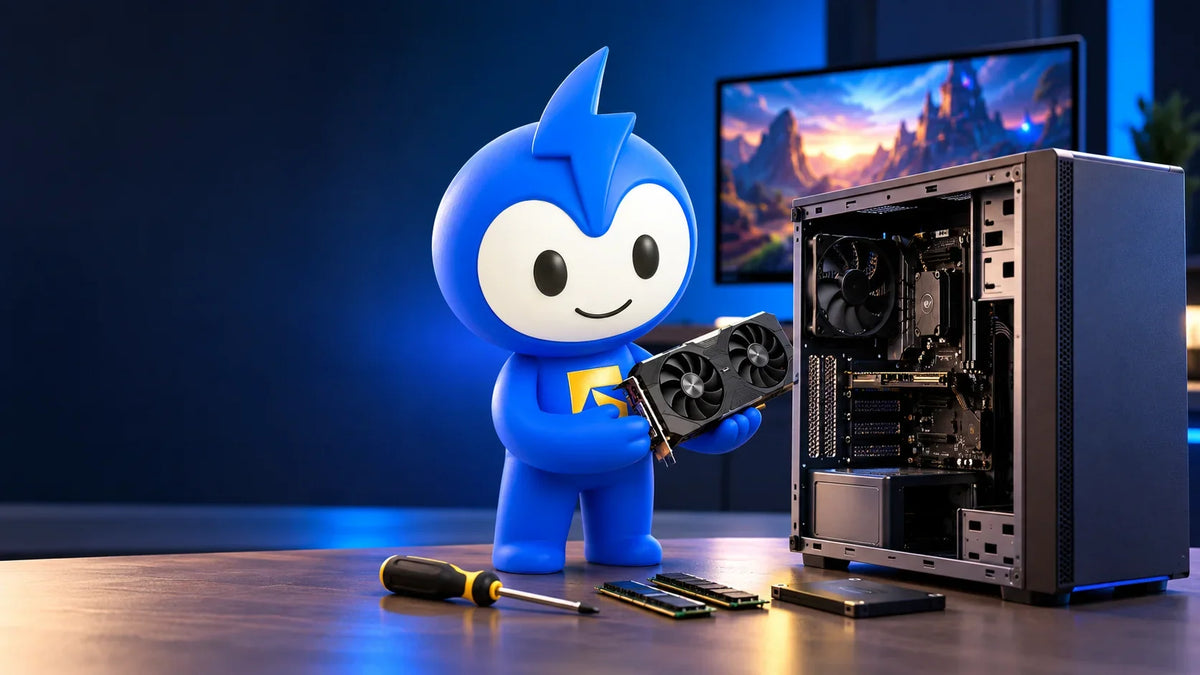
That Dell or HP box under your desk handles Excel all day without complaint. So around 9pm, the obvious question hits: can I use an office PC for gaming?
Short version: yes, with limits. Out of the box, most office machines run lighter and older games just fine. Add the right graphics card and you can push into proper 1080p gaming. But three hardware limits decide whether that upgrade is easy, painful or flat-out impossible.
Let's walk through them, so you don't burn a few hundred dirhams on parts that won't fit.
Can an Office PC Run Games? The Short Answer
Yes, an office PC can run games. The real question is which ones.
HP's own gaming PC vs regular PC breakdown is refreshingly direct about it. A regular PC copes with light gaming, think indie titles and older releases, and you don't need a dedicated gaming machine for casual play. Where office boxes run out of road is modern, demanding AAA games.
The reason comes down to what each job stresses. As Lenovo's office gaming guide explains, office multitasking leans on RAM and fast storage, while games depend mostly on graphics power. Office PCs are built for the first job. They usually cut corners on the second.
So, is an office PC good for gaming? For older classics and indie stuff, often yes. For the newest shooters on high settings, not without changes.
Are Office PCs Good for Gaming Out of the Box?
What integrated graphics can handle
Most office desktops ship without a separate graphics card. Instead, they use integrated graphics built into the processor. That's plenty for spreadsheets, video calls and 4K YouTube. For games, it means modest settings and realistic expectations.
The good news: "realistic" probably matches your monitor anyway. Steam's August 2026 survey found 1920×1080 is still the most common resolution, used by just over half of players. The same survey put 16GB as the most common amount of system RAM, at 41.20%. So a 1080p target isn't settling. It's what most PC gamers actually play at.
Why your RAM setup matters more than you think
Here's the bit most people miss. Integrated graphics don't have memory of their own. They borrow your system RAM, which makes the way that RAM is installed a big deal.
Dual-channel memory tests found that running two memory sticks instead of one is effectively like giving the graphics a 128-bit memory bus instead of a 64-bit one. The result was a large jump in game performance.
The practical takeaway? If your office PC runs a single 8GB stick, adding a matching second stick could be the cheapest gaming boost you'll ever buy. Check this before spending money on anything else.
The Three Limits That Decide Everything
Want to go further with a dedicated graphics card? Hold off on the shopping cart. Check these three things first. Get one wrong and the card either won't power on, won't fit, or both.
1. Power supply wattage and proprietary connectors
Office PCs come with power supplies sized for office work and not much more. Take the Dell OptiPlex 7070 Small Form Factor, one of the most common business desktops around. Dell's own parts listing for that model shows a Dell 200W power supply. That's a tight budget for gaming hardware.
The bigger headache is that many business desktops use proprietary motherboards and power connectors, so you can't just drop in an off-the-shelf replacement. PC Gamer's office PC guide is blunt here: if the power supply is proprietary and leaves little headroom, walk away from that machine.
2. The 75W PCIe slot ceiling
A graphics card gets power in two ways: from the motherboard slot it plugs into, and from extra cables running off the power supply. Most office power supplies simply don't have those extra cables.
That leaves the slot. A PCIe x16 slot delivers a maximum of 75W, and that limit hasn't budged from PCIe 1.0 all the way to 5.0. With no extra connectors, 75W is the card's entire power budget.
That one number rules out every mid-range and high-end graphics card on the shelf. Your shortlist is low-power cards only.
3. Case size: SFF vs tower vs all-in-one
Office PCs come in a few shapes, and each one changes your options:
-
Small form factor (SFF): The most common ex-office case. You're limited to half-height (low-profile) cards, and you need to check where the slot sits before buying anything, because some layouts only fit single-slot cards.
-
Ultra-small form factor: The tiny ones that sit behind a monitor. There's no space or slots for expansion, so treat these as integrated-graphics machines.
-
Tower: The easiest to work on, with far more room for card options.
-
All-in-one: Screen and computer in one body. Check the spec sheet before assuming any graphics upgrade is possible.
If you're buying a used office PC specifically to upgrade it, a tower makes your life much easier.
How to Turn an Office PC into a Gaming PC
Passed all three checks? Good. Here's the order to do it in.
Step 1: Check the CPU first
Nothing else matters if the processor is ancient. Old office machines with Core 2 or older Pentium chips aren't worth upgrading at all. Skip them.
The upside is that you don't need a cutting-edge processor either. Most games lean harder on the graphics card than on the CPU, which is exactly why an office PC upgrade can work.
Step 2: Add a slot-powered graphics card
This is the upgrade that actually turns an office PC into a gaming PC. The catch is that the card has to run off that 75W slot alone.
The RTX 3050 6GB is the best-known example. Nvidia cut its power from 130W to 70W compared with the 8GB version, so it runs entirely off the PCIe slot with no power cable needed (RTX 3050 6GB launch report). The trade-off is roughly 20% less performance than the 8GB card.
Now look at the power side. Nvidia lists a 300W system power requirement for the 6GB card, compared with 550W for the 8GB model.
Spot the problem? 300W is more than the 200W unit in that OptiPlex example. That's exactly why the power supply check comes first, not after the card arrives. And if your case is SFF, you'll need the half-height version of whichever card you choose.
Step 3: Sort out RAM and storage
A little extra RAM is essential. Aim for 16GB, installed as two matching sticks so you get dual-channel. That matches the most common setup among Steam players, so most games are built with it in mind.
Storage matters too. Put Windows on an SSD, and buy it new rather than used. You have no idea how hard a second-hand drive has been worked.
Step 4: Clean it and repaste it
An office PC that's sat on a desk for five years is usually stuffed with dust. That's not cosmetic. Dust blocks airflow, the PC overheats, and the processor protects itself by slowing down, which is called thermal throttling.
Corsair's PC cleaning guide suggests cleaning every three to six months, and more often in dusty conditions. If you've lived through a shamal season, you know which category your PC falls into.
For a second-hand machine, go a step further:
-
Replace the CPU thermal paste.
-
Reset Windows completely, so you're not inheriting the previous owner's account or software.
Not keen on opening a case yourself? You can book a desktop pickup and let a technician handle the cleaning, repaste and parts compatibility check.
Upgrade or Buy? When an Office PC Isn't Worth It
Upgrading makes sense when you want casual gaming and your machine passes all three checks. It stops making sense when you'd need a new power supply, a new case and a new card. At that point, you're rebuilding a whole PC one expensive part at a time.
HP's guidance draws the line clearly. If you play modern AAA titles for 10+ hours a week, or you're into competitive esports, a dedicated gaming PC is the right tool.
And if you mainly need a reliable work machine that can handle lighter games on the side? Buying renewed is often simpler than upgrading something old. FixBuddy's current renewed desktops are HP ProOne 400 G6 24" all-in-ones with a 10th-gen Core i5 and Intel UHD Graphics 630. Treat them as integrated-graphics machines for work and lighter games, not as a base for a GPU upgrade.
Every renewed unit passes a 50-point inspection and comes with a 12-month warranty and a 7-day return window. Not sure what the labels mean? Our guide on renewed vs refurbished breaks down exactly what to check before you buy any used machine, office PCs included.
Getting It Done in the UAE
Here's the thing about upgrading an office PC: the parts are rarely the hard bit. Knowing which parts will actually work in your specific model is.
That's where a second opinion pays for itself. FixBuddy collects your desktop from your home or office, checks it, quotes before any work starts, and delivers it back. Pickup and delivery are free across the UAE, so you don't have to haul a tower through Ajman traffic.
The fastest route is to message us on WhatsApp with your PC's model name and a photo of the power supply label. You'll get a straight answer on what will fit before you spend a dirham.
Prefer to drop by? We're at Grand Mall, SS-09, 2nd Floor, Al Rashidiya 3, Ajman. Opening hours are 10am to 10pm Saturday to Thursday, and 4:30pm to 10pm on Fridays. You can also schedule a repair pickup online or contact the FixBuddy team directly.
The Bottom Line
Can you use an office PC for gaming? Yes, for light, older and indie games, especially once your RAM runs in dual-channel. Want more than that? A slot-powered graphics card can turn it into a solid 1080p machine, but only if the power supply, the 75W slot and the case size all line up.
Check those three limits first. Then decide whether to upgrade, or skip the hassle and buy something better suited to the job.
FAQs
Can I use an office PC for gaming?
Yes. Most office PCs handle light gaming, indie titles and older games on their integrated graphics. For modern games, you'll need to add a low-power graphics card, provided the power supply and case allow it.
Is an office PC good for gaming without a graphics card?
It's fine for lighter games at modest settings. To get the most out of integrated graphics, run two matching RAM sticks in dual-channel mode, because integrated graphics use your system RAM as video memory.
Will any graphics card fit in an office PC?
No. Without extra power cables, a card can only draw 75W from the PCIe slot. Small form factor cases also need half-height cards. Always check the slot position, card size and power supply before buying.
Do I need a new power supply to game on an office PC?
It depends on the card and the machine. The RTX 3050 6GB needs no extra power cable, but Nvidia lists a 300W system requirement for it. Some compact office PCs ship with a 200W unit, and many use proprietary connectors, so get the model checked first.
Is it worth upgrading an office PC for gaming?
For casual gaming, often yes. If you play demanding AAA games 10+ hours a week or play competitive esports, a dedicated gaming PC is the better buy.
Share:
How to Check Laptop Battery Health: A Step-by-Step Guide for the UAE
How to Build a PC for Office Work in the UAE (2027 Guide)